Expose your app
Ingress
Section titled “Ingress”To expose your application within your K8SaaS cluster, you need to configure an Ingress.
Start by creating an Ingress configuration file, as shown in the example below.
This configuration exposes the sample-service Service http named port at sampleapp.$YOUR_DOMAIN_NAME.
For more information on the ref+file syntax, refer to the config & secrets page.
apiVersion: networking.k8s.io/v1kind: Ingressmetadata: name: sample-ingressspec: ingressClassName: ref+file://config.yaml#/ingress/defaultClass+ rules: - host: sampleapp.ref+file://config.yaml#/ingress/domainName+ http: paths: - path: / pathType: Prefix backend: service: name: sample-service port: name: httpTLS Support
Section titled “TLS Support”In order to generate a certificate and enable TLS for your application, you need to add a specific cert-manager annotation in your application ingress configuration.
Ensure the secret name is unique to this Ingress resource. It helps to prevent conflicts or retry loops.
A recommended way to naming your ingress is to include the application name or domain in the secret name.
e.g. tls-sampleapp.
apiVersion: networking.k8s.io/v1kind: Ingressmetadata: annotations: cert-manager.io/cluster-issuer: ref+file://config.yaml#/ingress/defaultClusterIssuer+ ...spec: ... tls: - hosts: - sampleapp.ref+file://config.yaml#/ingress/domainName+ secretName: tls-sampleForecastle
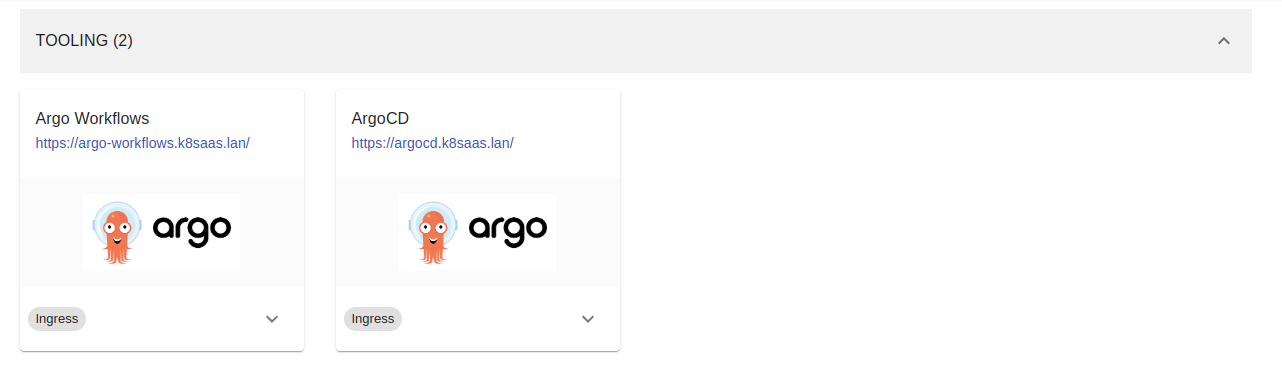
Section titled “Forecastle”To expose your application through Forecastle and have it automatically appear in the dashboard, include the following annotations in your Ingress configuration:
apiVersion: networking.k8s.io/v1kind: Ingressmetadata: annotations: forecastle.stakater.com/expose: "true" forecastle.stakater.com/appName: "SampleApp" forecastle.stakater.com/group: "Demo" forecastle.stakater.com/icon: "https://i.imgur.com/VMhXf6z.jpeg" ...Global configuration
Section titled “Global configuration”Here is an example of a complete Ingress configuration.
This contains the whole networking config, such as basic exposition, TLS configuration and Forecastle integration.
apiVersion: networking.k8s.io/v1kind: Ingressmetadata: name: <ingress-name> annotations: cert-manager.io/cluster-issuer: ref+file://config.yaml#/ingress/defaultClusterIssuer+ forecastle.stakater.com/expose: "true" forecastle.stakater.com/appName: "<app-name>" forecastle.stakater.com/group: "<app-group>" forecastle.stakater.com/icon: "<icon-url>"spec: ingressClassName: ref+file://config.yaml#/ingress/defaultClass+ rules: - host: <app-subdomain>.ref+file://config.yaml#/ingress/domainName+ http: paths: - path: / pathType: Prefix backend: service: name: <service-name> port: name: http tls: - hosts: - <app-subdomain>.ref+file://config.yaml#/ingress/domainName+ secretName: tls-<app-name>Validate integration
Section titled “Validate integration”Once the configuration is complete, navigate to the Forecastle UI to verify your application. Your application should appear in the dashboard, accessible via HTTPS. If you can successfully access it, your Ingress configuration has been provisioned correctly.